Serverless functions are the building blocks of modern cloud applications. In Taubyte, functions are compiled to WebAssembly and executed in a lightweight, secure sandbox. Let’s build one from scratch.
Creating a Function
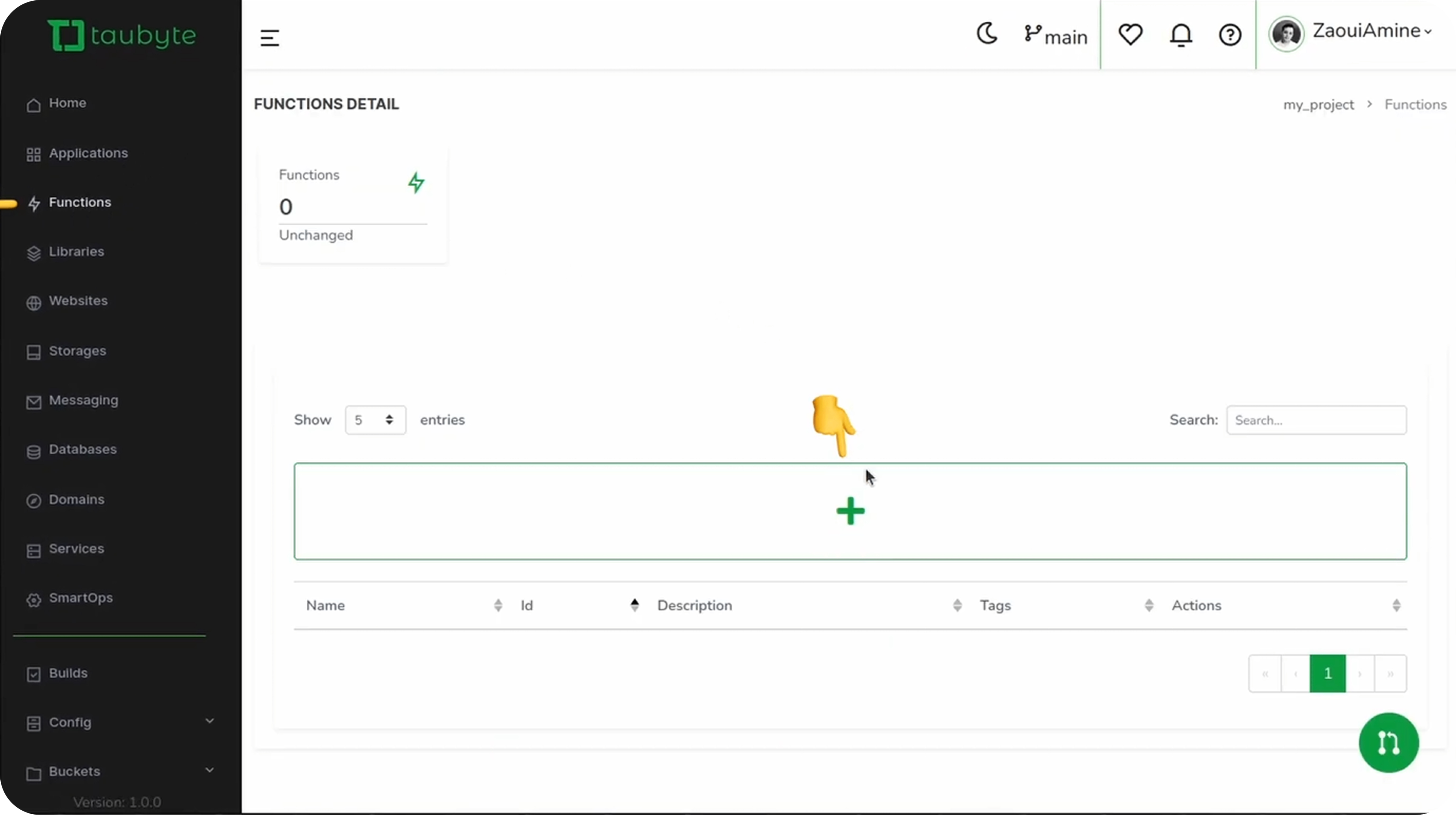
From your project dashboard, navigate to Functions in the sidebar and click the + button.
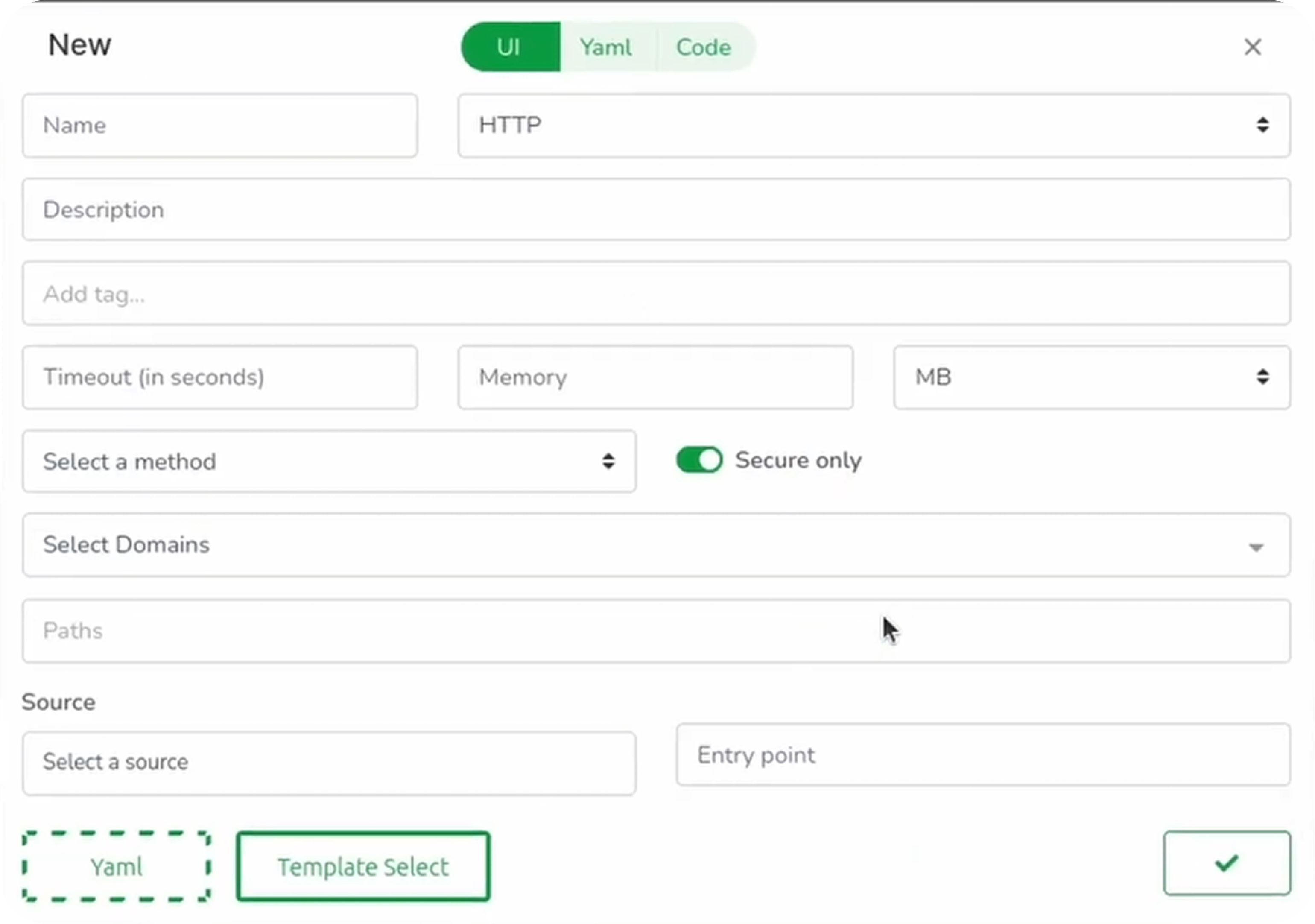
You have two options for creating a function:
Option 1: Start from Scratch
Fill in the function details manually:
| Field | Description | Example |
|---|---|---|
| Name | Unique identifier | ping_pong |
| Protocol | Trigger type | HTTPS |
| Description | What the function does | Returns pong to a ping |
| Tags | Optional labels | demo, http |
| Timeout | Maximum execution time | 10s |
| Memory | Allocated memory | 10MB |
| Method | HTTP method | GET |
| Domain | Which domain to use | GeneratedDomain |
| Path | URL path trigger | /ping |
| Source | Code location | . (inline) or library name |
| Entry Point | Function name in code | ping |
Option 2: Use a Template (Recommended)
Templates accelerate development by providing working examples:
- Click Template Select
- Choose a language (Go, Rust, or AssemblyScript)
- Select a template (e.g.,
ping_pong)
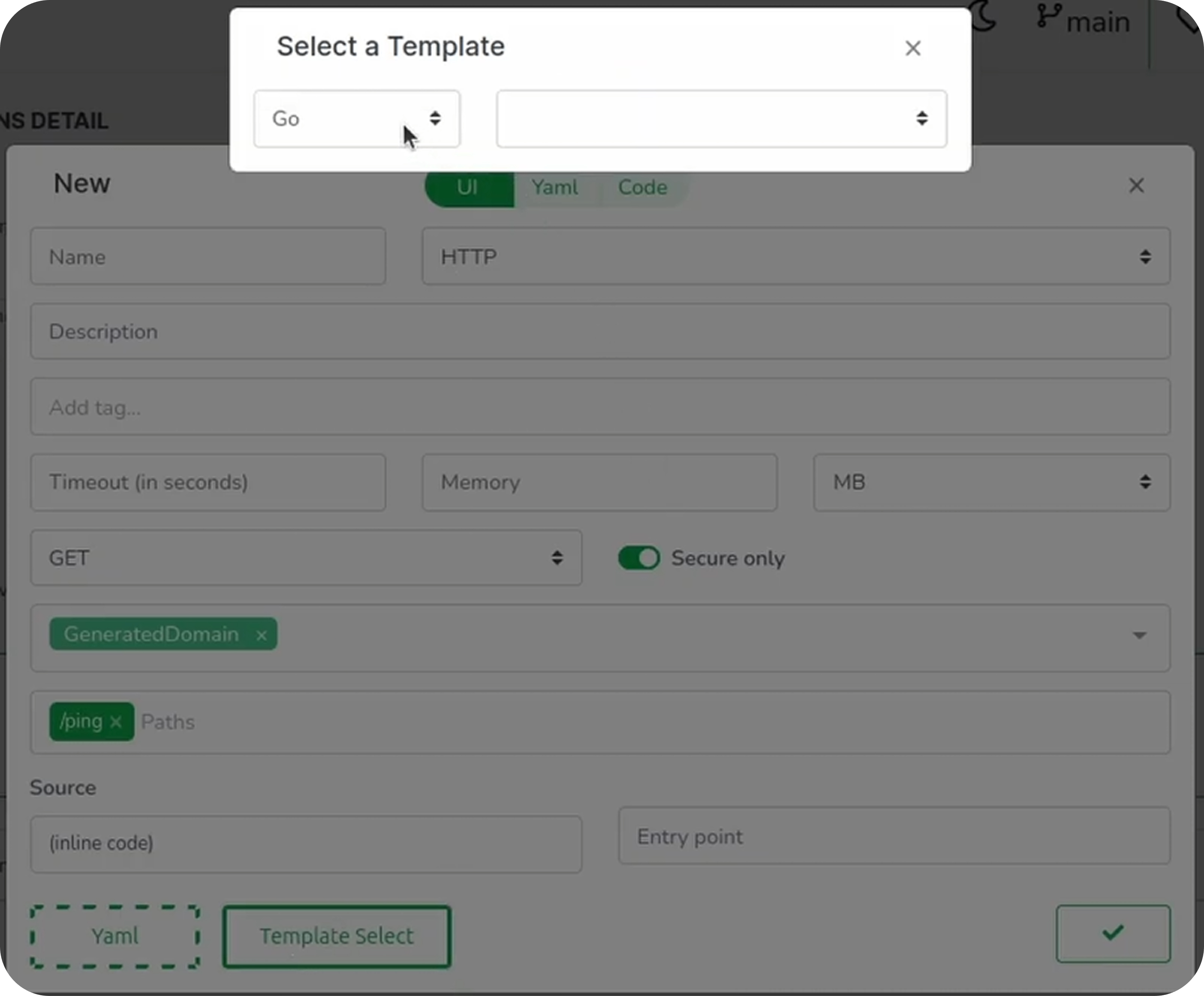
- The template fills in most fields automatically
- Select your domain from the dropdown
Understanding the Configuration
Click the YAML tab to see the configuration in raw format:
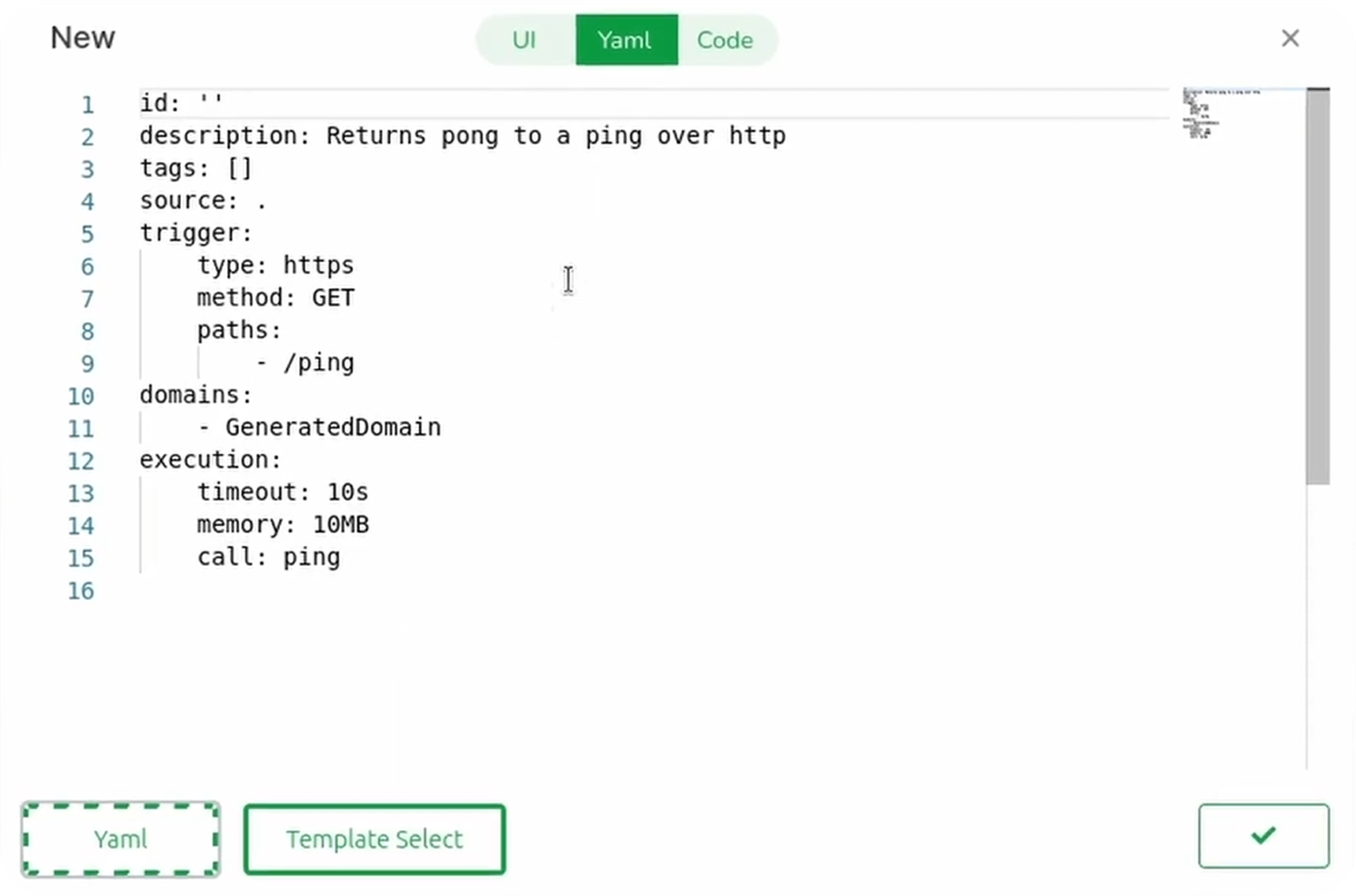
id: ""
description: Returns pong to a ping over HTTP
tags: []
source: .
trigger:
  type: https
  method: GET
  paths:
    - /ping
domains:
  - GeneratedDomain
execution:
  timeout: 10s
  memory: 10MB
  call: ping
Key fields:
source: Use.for inline code or a library name for external codeexecution.call: The function name that must be exported by your WebAssembly module
Tip: You can also upload a YAML configuration file by clicking the upload button in the bottom left.
Writing the Code
Switch to the Code tab to view and edit your function’s source code.
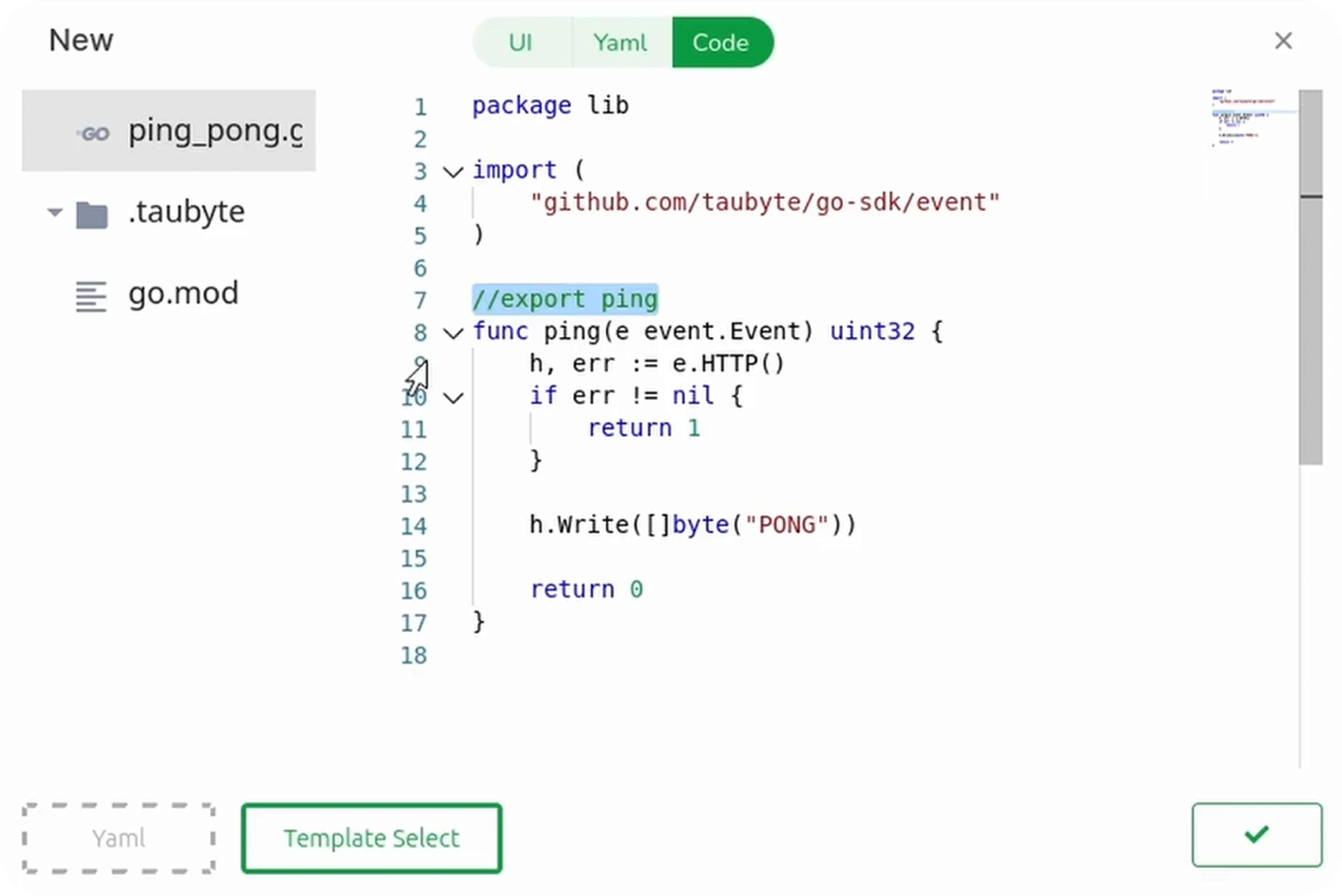
Here’s a simple Go ping-pong function:
package lib

import (
    "github.com/taubyte/go-sdk/event"
)

//export ping
func ping(e event.Event) uint32 {
    h, err := e.HTTP()
    if err != nil {
        return 1
    }

    h.Write([]byte("PONG"))
    return 0
}
Code Guidelines
- Package name: Use any name except
main—it’s reserved for the build container - Taubyte SDK: Use
github.com/taubyte/go-sdkfor fast, low-memory operations - Function export: Annotate with
//export functionName(TinyGo requirement) - Event system: Functions receive an
event.Eventfor lightweight execution - The
.taubytefolder: Contains build configurations—essential for proper execution
Pushing Your Changes
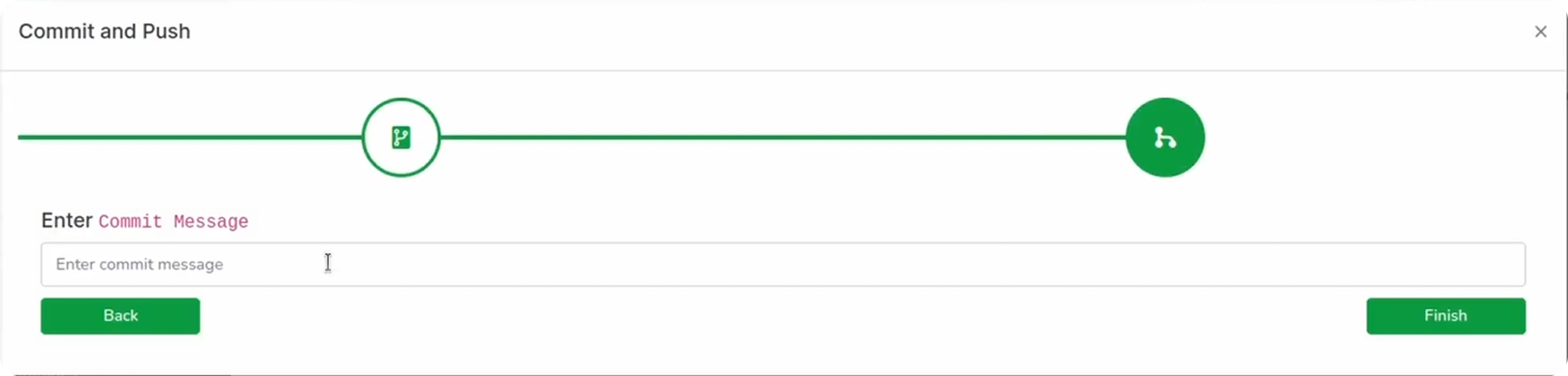
Click Done when your function is ready, then:
- Click the green button in the bottom right to push changes
- Open the domains folder and find
GeneratedDomain.yaml

- Copy the domain FQDN—you’ll need it for testing
- Enter a commit message
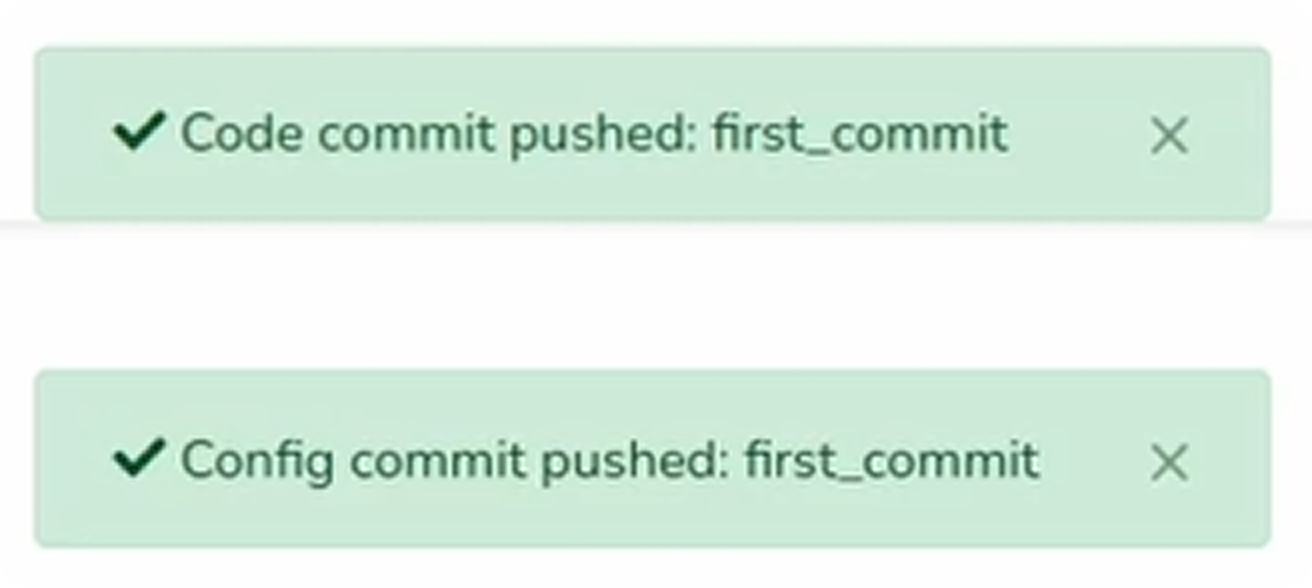
- Push to GitHub
Triggering Builds
In Production
Pushing to GitHub automatically triggers a build via webhooks.
In Dream (Local Development)
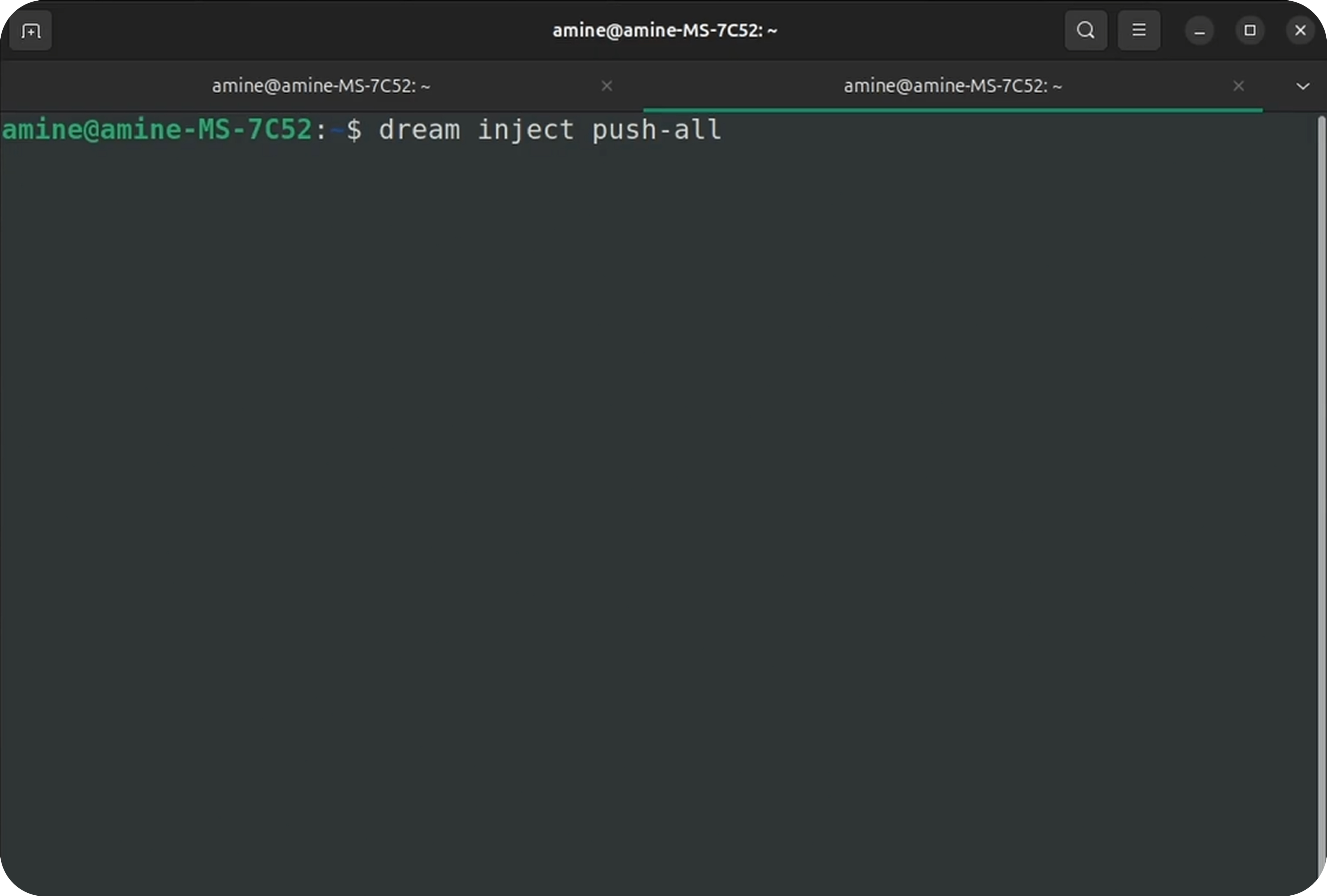
GitHub can’t access your local nodes, so trigger builds manually:
Terminal method:
dream inject push-all
Console method:
- Go to console.taubyte.com
- Click Dreamland in the sidebar
- Select Network → blackhole
- From the top-right menu, choose Push All
Monitoring Builds
Navigate to Builds in the sidebar. You’ll see jobs for:
- Configuration build: Quick, processes YAML files
- Code build: Compiles your function to WebAssembly
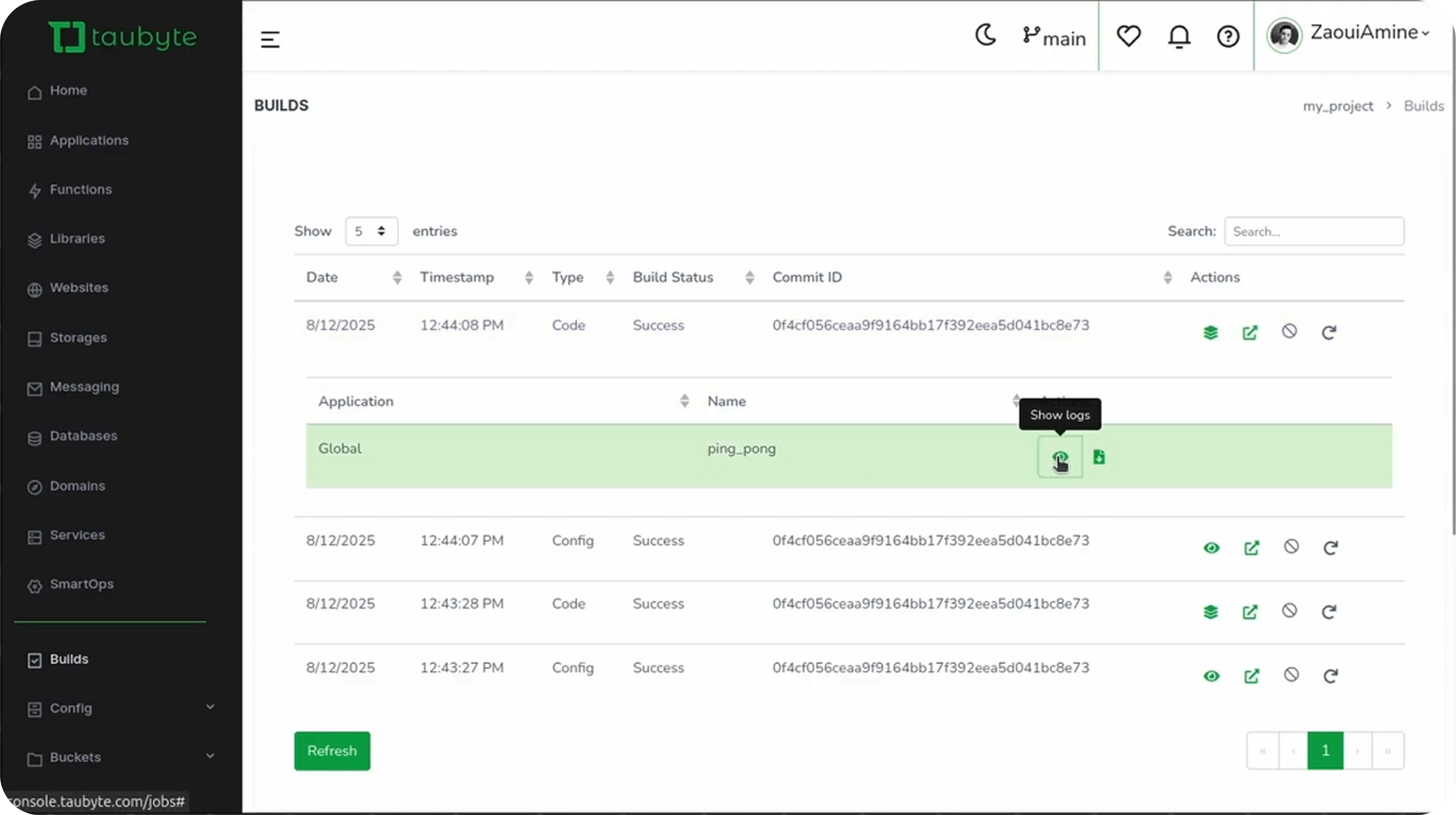
Click the stack icon next to a completed build to view function logs.
Testing Your Function
Find Your HTTP Port
First, get the substrate HTTP port:
dream status substrate
Output:
┌─────────────────────┬────────┬───────┐
│ substrate@blackhole │ http   │ 14529 │
└─────────────────────┴────────┴───────┘
Test with cURL
Using the host header:
curl -H "Host: your-domain.blackhole.localtau" http://127.0.0.1:14529/ping
Output:
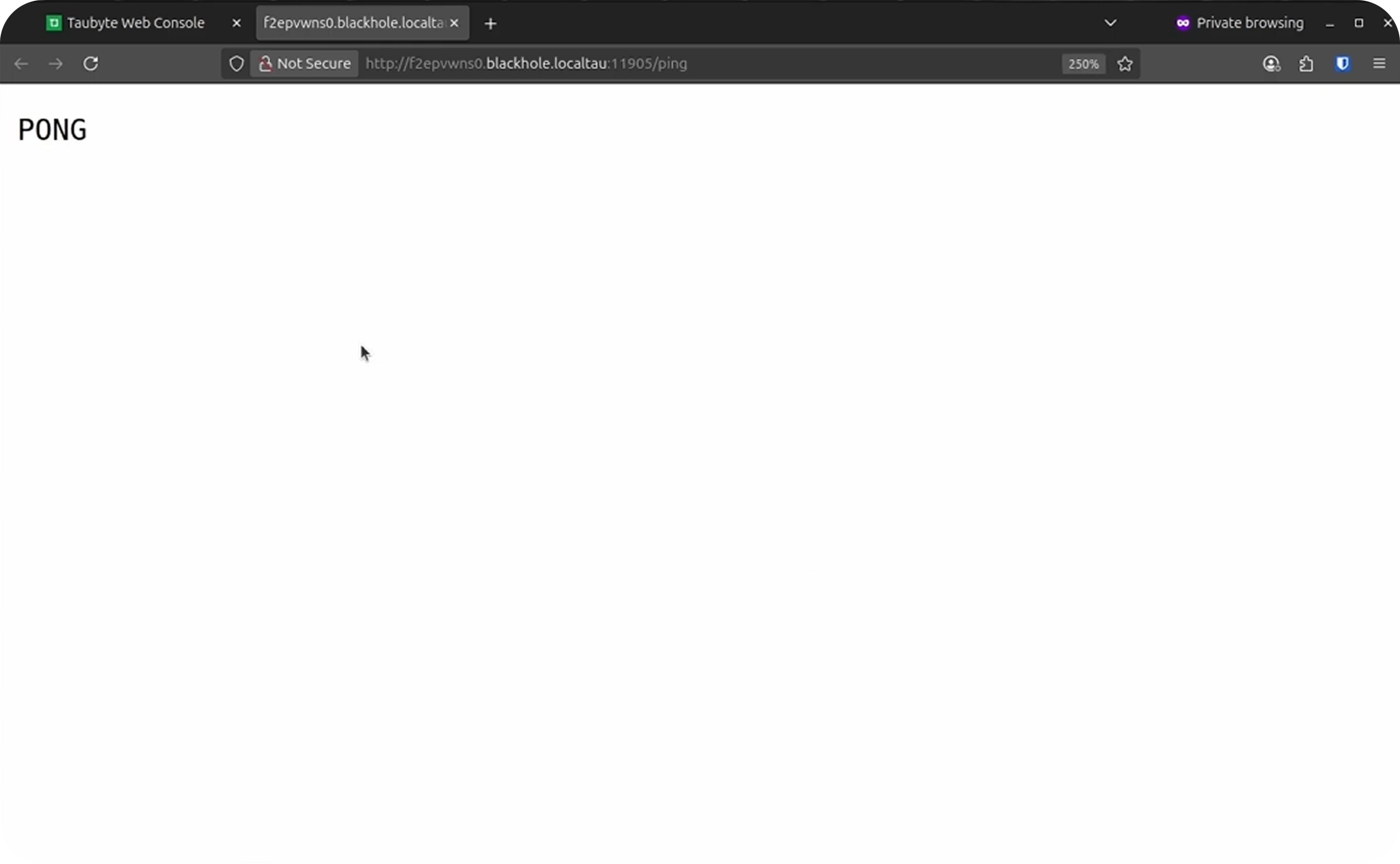
PONG
Simplify Local Testing
Add your generated domain to /etc/hosts for easier testing:
sudo nano /etc/hosts
Add this line:
127.0.0.1 your-domain.blackhole.localtau
Now you can test without the Host header:
curl http://your-domain.blackhole.localtau:14529/ping
Test via Console
- Navigate to Functions in the sidebar
- Find your function in the list
- Click the lightning icon to open it in a new tab
Troubleshooting
| Issue | Solution |
|---|---|
| Function not responding | Verify port matches dream status substrate output |
| Build failed | Check the Builds tab for error messages |
| Changes not appearing | Run dream inject push-all again |
| “PONG” not returning | Ensure entry point matches the exported function name |
Conclusion
You’ve now learned how to create, configure, and deploy serverless functions in Taubyte. The process is straightforward:
- Create the function (manually or from a template)
- Write your code in Go, Rust, or AssemblyScript
- Push to GitHub
- Trigger a build (automatic in production, manual in Dream)
- Test your function
Functions compile to WebAssembly for secure, fast, and portable execution across your entire cloud infrastructure.
Next, explore Libraries to learn how to share code across multiple functions.