Taubyte comes with a built-in CI/CD system. Every time you push changes to the branch your nodes are running on, a build is triggered automatically.
Note: When running Dream locally, manual triggering is required since GitHub can’t reach your local nodes.
How It Works
The build process is defined inside the .taubyte folder, which lives at the root of your codebase. You’ll find this folder in the code of any function, website, or library.
Folder Contents
| File | Purpose |
|---|---|
config.yaml | Defines the build workflow |
build.sh | Script executed by the workflow |
| Additional files | Build-specific assets |
The Configuration File
The config.yaml file is simple and powerful. It defines:
- Environment: Docker image and environment variables
- Workflow: Steps to run (each step is a shell script)
Example config.yaml
version: "1.0"
environment:
  image: node:alpine
  variables:
    NODE_ENV: production
    PUBSUB_TOPIC: transactions
workflow:
  - generate.sh
  - test.sh
  - build.sh
Configuration Breakdown
| Field | Description | Example |
|---|---|---|
version | Config format version | "1.0" |
environment.image | Docker image for builds | node:alpine |
environment.variables | Environment variables | Key-value pairs |
workflow | Ordered list of scripts | ["generate.sh", "test.sh", "build.sh"] |
Convention Over Configuration
The CI/CD system relies on conventions, not heavy configuration:
- If all steps succeed, the
/outfolder is archived and compressed - That archive becomes your published asset
- No complex YAML pipelines or configuration files
Building Serverless Functions
For serverless functions, Taubyte currently supports WebAssembly only. We provide specialized containers to make this easy.
Official Build Containers
| Language | Container | Use Case |
|---|---|---|
| Go | taubyte/go-wasi | Go functions |
| Go (libraries) | taubyte/go-wasi-lib | Go libraries |
| Rust | taubyte/rust-wasi | Rust functions |
| AssemblyScript | taubyte/assemblyscript-wasi | AS functions |
Go Example
config.yaml:
version: "1.0"
environment:
  image: taubyte/go-wasi
workflow:
  - build.sh
build.sh:
#!/bin/bash
go mod tidy
tinygo build -o /out/main.wasm -target wasi .
Rust Example
config.yaml:
version: "1.0"
environment:
  image: taubyte/rust-wasi
workflow:
  - build.sh
build.sh:
#!/bin/bash
cargo build --release --target wasm32-wasi
cp target/wasm32-wasi/release/*.wasm /out/main.wasm
Understanding WASI
WASI (WebAssembly System Interface) is a standard that extends WebAssembly beyond the browser. It enables Wasm to run safely and efficiently in server, edge, and cloud environments.
What WASI Provides
| Capability | Description |
|---|---|
| File access | Read/write files in sandbox |
| Networking | HTTP requests, sockets |
| Randomness | Cryptographic random numbers |
| Environment | Environment variables |
| Clocks | Time and timing functions |
Why WASI Matters for Taubyte
WASI modules can interact with the outside world in a controlled, portable way. This means:
- Sandboxed execution: Your code runs in isolation
- Cross-platform: Same binary runs on any node
- Language agnostic: Go, Rust, or AssemblyScript compile to the same target
- Consistent behavior: No platform-specific surprises
Output Requirements
For Functions
Your build must output a file at:
/out/main.wasm
This is the WebAssembly binary that gets deployed.
For Websites
All files must be placed in:
/out/
The entire folder contents become your static site.
Website Example
config.yaml:
version: "1.0"
environment:
  image: node:18-alpine
  variables:
    NODE_ENV: production
workflow:
  - build.sh
build.sh (for a React app):
#!/bin/bash
npm install
npm run build
mkdir -p /out
cp -r build/* /out/
Triggering Builds
In Production
Builds trigger automatically when you push to GitHub (via webhook).
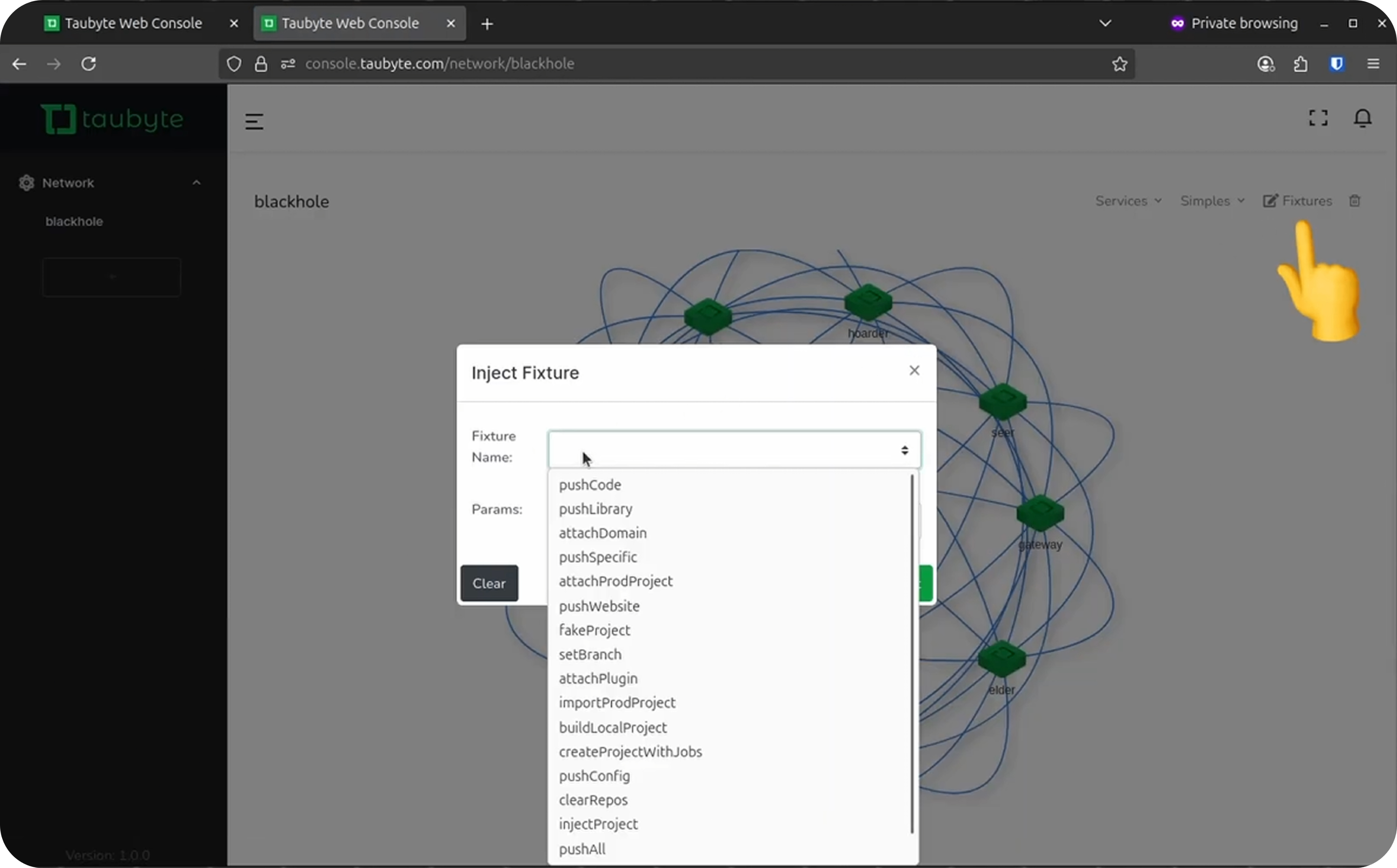
In Dream
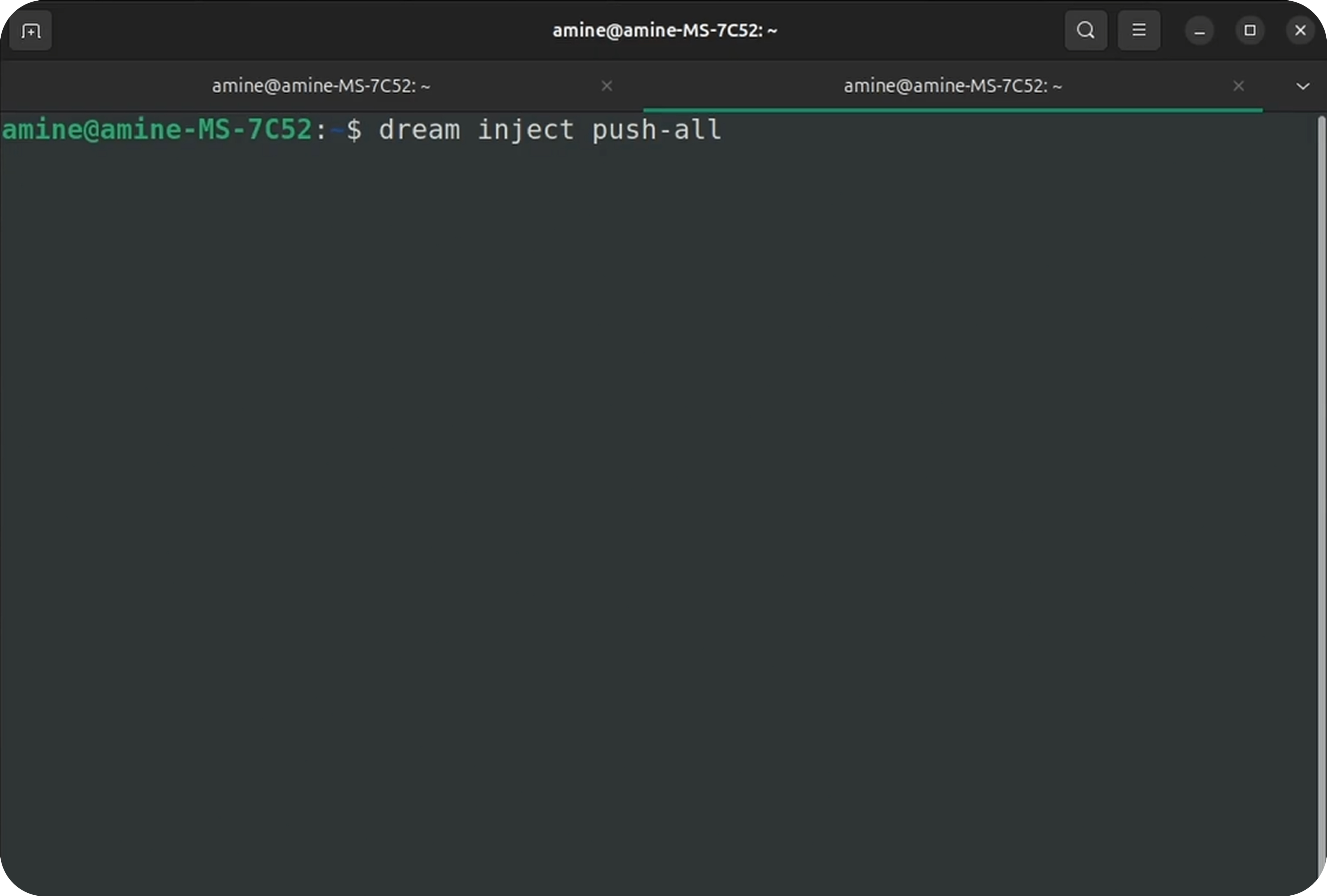
Manually trigger builds:
# Build all repositories
dream inject push-all

# Build specific repository
dream inject push-specific <repo-id>
Tips for Faster Builds
- Use Alpine images: Smaller images download faster
- Cache dependencies: Some containers cache npm/go modules
- Minimize assets: Smaller outputs deploy faster
- Use libraries: Compile shared code once, use everywhere
Common Build Issues
| Issue | Cause | Solution |
|---|---|---|
/out/main.wasm not found | Build output in wrong location | Check build.sh output path |
| Docker image not found | Typo in image name | Verify container name |
| Build timeout | Long compilation | Optimize code, split into libraries |
| Missing dependencies | Not in container | Add npm install or go mod tidy |
Conclusion
Taubyte’s CI/CD system is designed for simplicity:
- Convention-based: Minimal configuration required
- WebAssembly-first: Portable, secure, fast
- Automatic deploys: Push to GitHub, get deployed
- Built-in containers: No need to manage build infrastructure
Every push builds and publishes your serverless functions and static websites automatically, keeping deployment simple and seamless.
Next, learn about working with branches for feature development and testing.